
 1
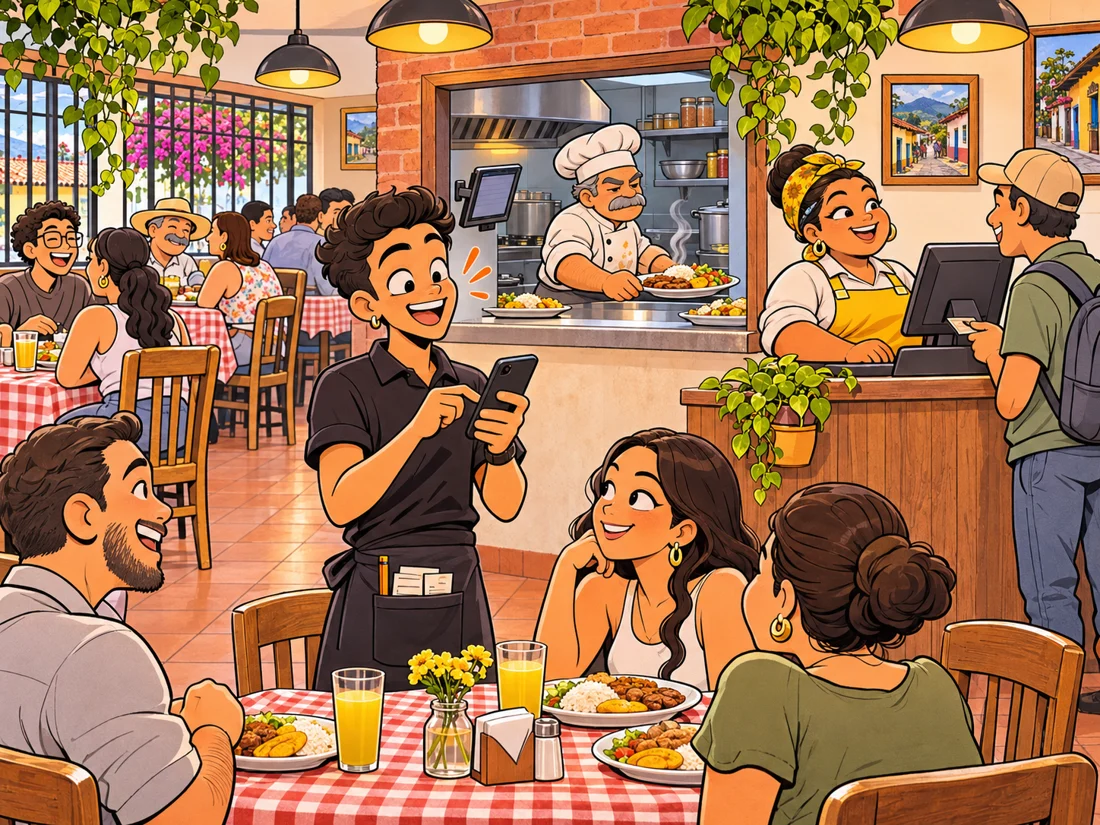
The waiter takes the order at the table
Tap the table, tap the dishes. Bestsellers are on top with plus and minus, and the bill adds up by itself.
On their phoneTables, waiters, kitchen and checkout on your phone, tablet and the web. Made for small restaurants, with a free plan to get started.
Just one email, the day it launches. Nothing else.
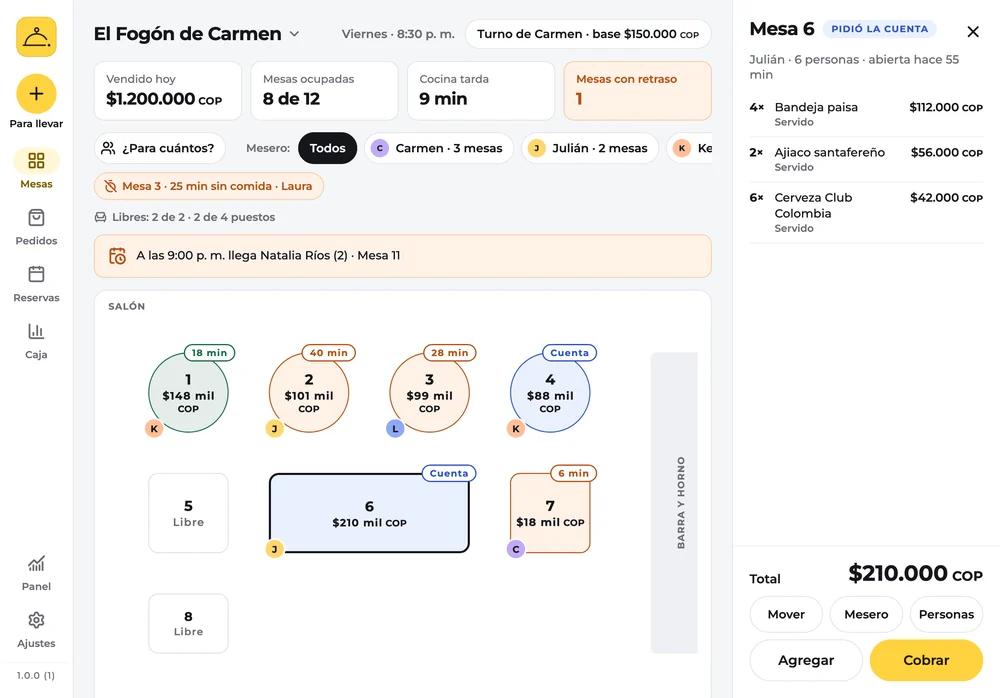
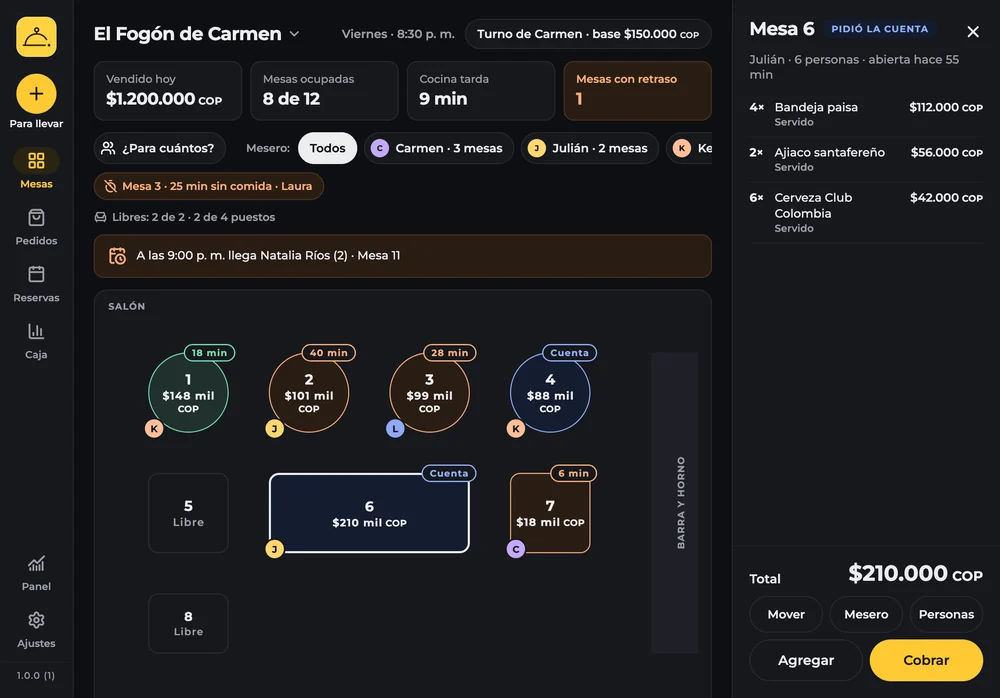
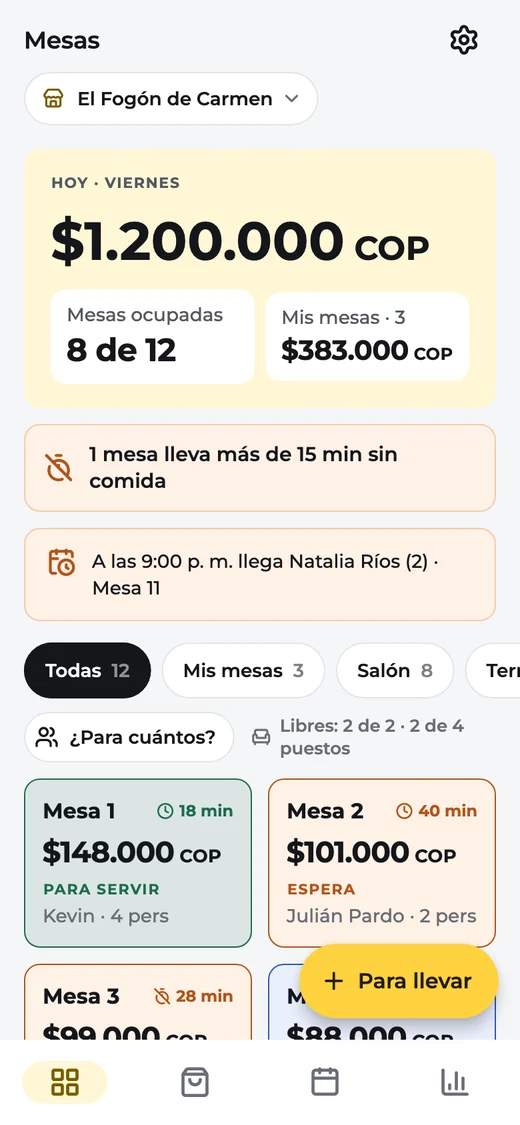
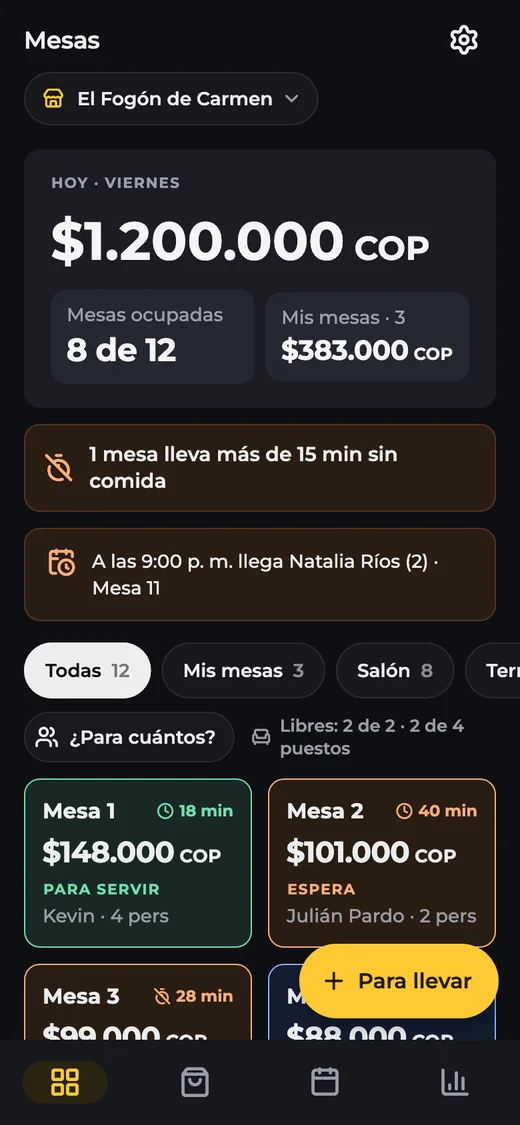
From setting up the lunch menu to closing the register, at El Fogón de Carmen.
Doña Carmen adds the soup, the side and the proteins, and shares the image on her WhatsApp status. The QR menu and the TV update on their own.
Menu on your TVWith the day’s opening cash. From here, everything charged counts for Friday.
Checkout and split billsKevin and the other servers take orders on their phones, and Don Chepe sees them on the kitchen screen, with their timer.
Kitchen displayTwo lunches and a combo. The server approves it and it goes to the kitchen.
Order from the tableNot enough chicken for one more: it shows as sold out on the menu and the phones, with nobody saying a word.
Inventory and recipesThey booked with a deposit. “Arrived: seat them” opens the table, and the deposit comes off the bill.
ReservationsPaste the message, the app builds the order with the fee and it goes to the same kitchen.
Delivery and takeawayTable 4 pays by dish, each with their tip. If they ask for an invoice, their Siigo sends it.
Electronic invoicing (Colombia)What should be there, what she counted and each server’s tips. Even at 1, it counts for Friday.
Checkout and split billsFrom her computer: 19 % more than last Friday, and which dish earns the most.
Owner dashboard and webThree steps, everyone on their own screen. What the waiter orders, the kitchen and the checkout see instantly.
1Tap the table, tap the dishes. Bestsellers are on top with plus and minus, and the bill adds up by itself.
On their phone 2
It appears on the kitchen screen with its timer, or the ticket comes out of the printer. Nobody runs with a slip.
On a tablet, a TV or the printer 3
See the floor plan with every table’s bill, split the check and close the night’s register.
On the tablet or the webFrom the first table seated to closing the register.
Open the floor and see how much each table has, for how long and who serves it. Every dish adds up right away.
If a table has waited 15 minutes for food, or asked for the bill and nobody went, the floor tells you.
Evenly or by what each person had. The tip is suggested as the law says: voluntary and on the amount before tax.
WhatsApp and phone orders go to the same kitchen, with the address and who delivers them.
Set up today’s lunch in a minute, with portions that count down on their own, and share it on your WhatsApp status. Combos that show the savings and time-based deals.
The day doesn’t break at midnight: closing at 2 a.m. counts as the day it started. With tip sharing.
What restaurant owners ask before they start.
The kitchen sees orders on a tablet, an old phone or a TV. If you already have a network kitchen printer, it prints there too.
Evenly or by what each person ate, and each part is charged with its own payment method.
Suggested as voluntary and on the pre-tax amount, capped at 10 % in Colombia. It is never added on its own.
Set up today’s lunch in a minute, with portions that count down by themselves, and share it on your WhatsApp status.
Paste the message, the app builds the order with the address and the fee, and it goes to the same kitchen.
On the Entrepreneur plan: pesos and dollars at your rate of the day, with a separate register for each currency.
A tablet on the wall or a TV with an Android stick. What’s been waiting longest moves up on its own.
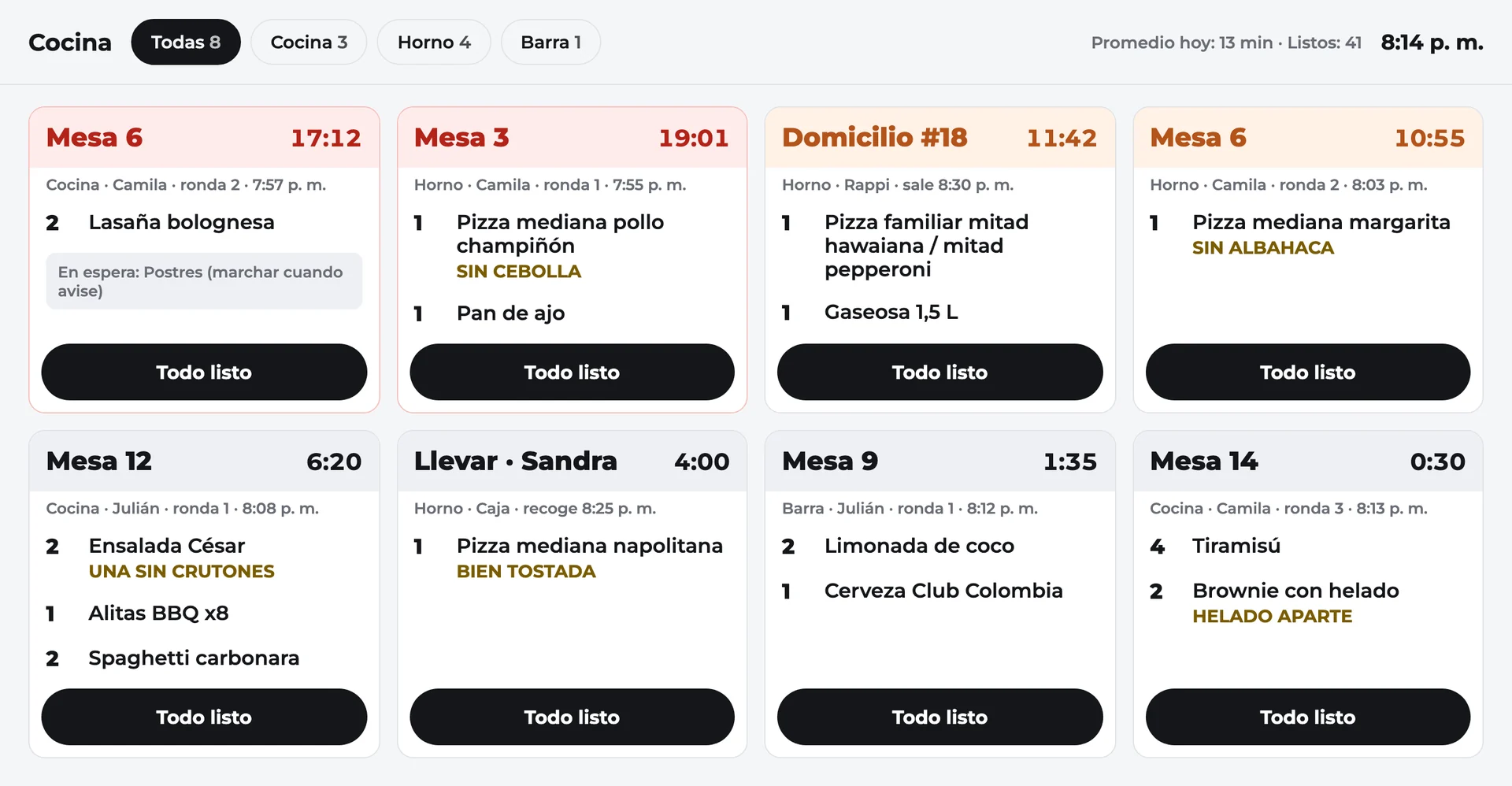
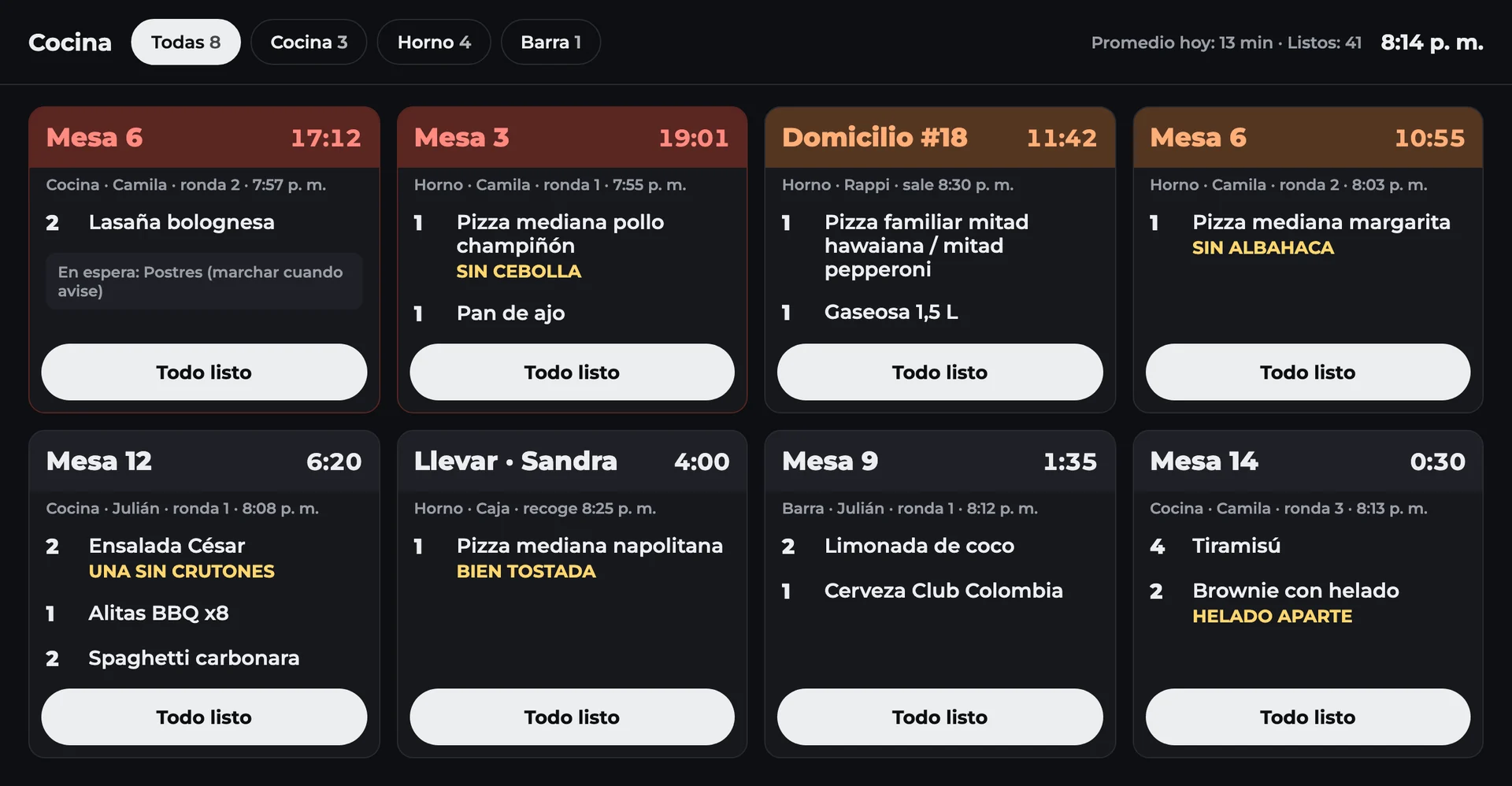
You don’t have to buy anything to get going. As the restaurant grows, add devices you probably already have.
Take the order at the table, open the kitchen screen to see what to cook and take payment, all from the same phone.
Start todayA tablet or an old phone mounted in the kitchen: orders arrive on their own, with their timer and a sound. You feel it at rush hour.
The best experienceEvery server on their own phone with their own account, checkout on another tablet and, if you already have a network kitchen printer, tickets print there too.
As you growThe kitchen or checkout tablet needs no account or email: it links once with a QR code from your phone.
They scan the QR on the table and see the menu without downloading anything or creating an account.
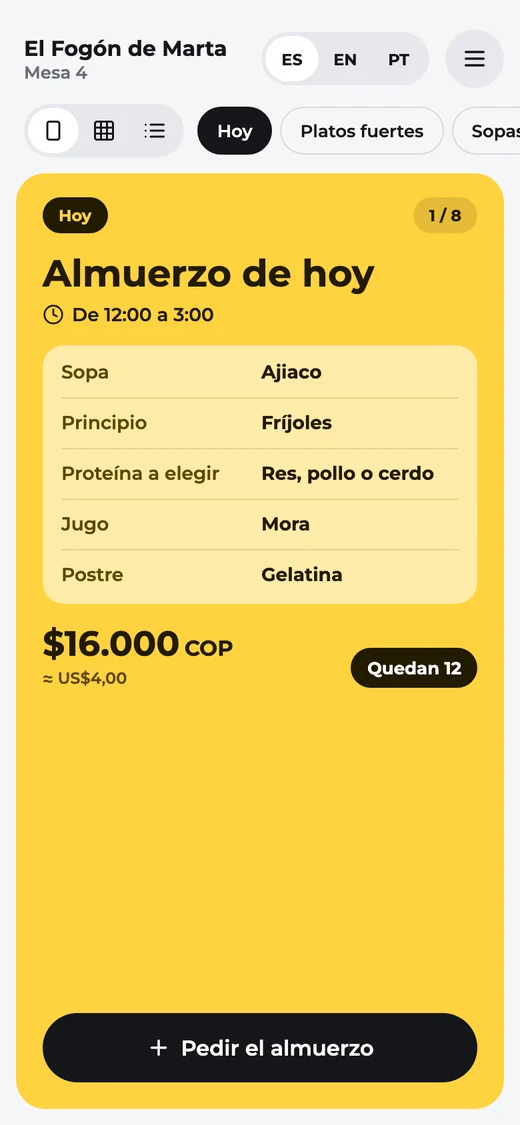
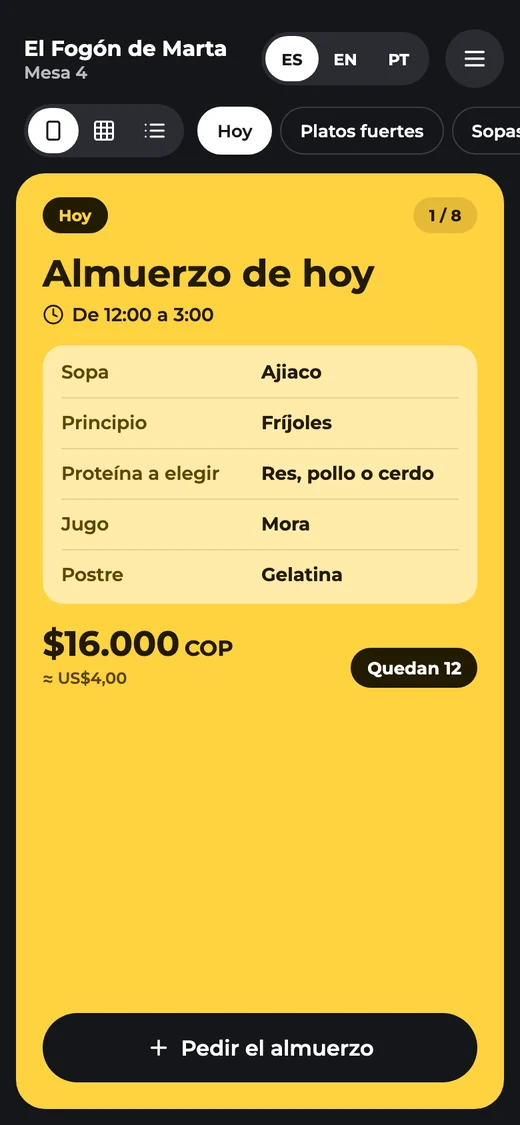
The same app works differently in a set-lunch spot than in an à la carte restaurant. See how it fits yours.

For the à la carte restaurant: orders leave the table with the steak doneness and notes, reach each kitchen station, and the checkout splits the bill by seat.
See more
Set up the lunch of the day in a minute, share it on your WhatsApp status, put it on the TV and let portions count down by themselves. Built for Colombia’s corrientazo.
See more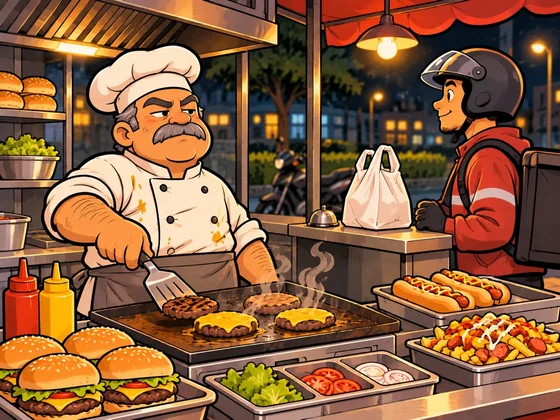
Burgers, hot dogs and fries with their add-ons, combos, takeaway and WhatsApp delivery in the same kitchen. For the fast-food business.
See more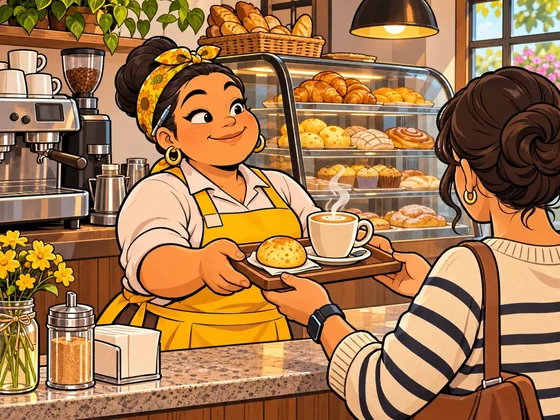
Drinks with size and milk options, bar and kitchen apart, open tabs and inventory for what you resell. For cafés and bakeries.
See moreWe’ll announce prices before launch. What goes in each plan may still change.
For the small restaurant that wants to leave paper behind and work in order from day one.
Pricing coming soonSee plan detailsFor the busy restaurant that wants to serve faster, sell more and work without ads.
Pricing coming soonSee plan detailsFor the owner who wants to know what every dish leaves and see the whole restaurant from anywhere.
Pricing coming soonSee plan detailsSomething else? Write to support@lehreer.com.
Just your phone, Android or iPhone: with it you take orders, see the kitchen and take payment. For a better experience, add a tablet or an old phone in the kitchen, and once you have a team, every server uses their own phone. The kitchen or checkout tablet links with a QR code, no account needed.
No. The kitchen can see orders on a tablet or on a TV with an Android stick. If you already have a network kitchen printer, the app prints there.
You lose nothing. Your Negocio account stays as it is, with its full history. When you start, the app can bring over your products, customers and past sales, so your sales reports have your history from day one. Restaurant-only data, like tables, waiters and tips, starts counting once you use it.
No. They scan the QR on the table and the menu opens in their phone’s browser, with no account.
There will be a free plan to work every day and two paid plans, Entrepreneur and Growth. We’ll announce prices before launch.
We’re building it. Leave your email and we’ll write once, the day it’s on Android, iPhone and the web.
Any time, from the app or by writing to us.
Write to support@lehreer.com from your account’s email with the subject “Delete my account”. We delete it within 30 days and let you know when it’s done.
Your account and the data of the restaurants you created: menu, tables, orders, sales, inventory and bookings. Your team and the kitchen devices lose access. It can’t be undone.
After 24 months without opening the app we write to you 30 days ahead and, if you don’t come back, we delete the restaurant’s data. The sign-in account is kept.
Just one email, the day it launches. Nothing else.
I already signed up!
